WooCommerce integration
Product designer for WooCommerce
The KreatorPRO plugin adds a “Design” button above “Add to cart”. The customer designs before buying, and each design goes into the cart as its own line. Without the plugin, with just a REST API key, you can send a designer link after purchase.
- Where the customer designs
- On the product page (plugin) or from a link after purchase
- Installation
- REST API key with Read/Write, plugin .zip from the panel
- Added to the order
- A customer design entry with file and preview links, private note
- Compatibility
- HPOS, classic and block cart, variable products
Connect with a REST API key
- In WordPress go to WooCommerce → Settings → Advanced → REST API and add a key.
- Description e.g. “KreatorPRO”, permissions Read/Write. Copy the consumer key (ck_…) and consumer secret (cs_…). WooCommerce shows them only once.
- In the designer panel, in the Integrations tab, connect WooCommerce: enter the shop address (https://…) and paste the keys.
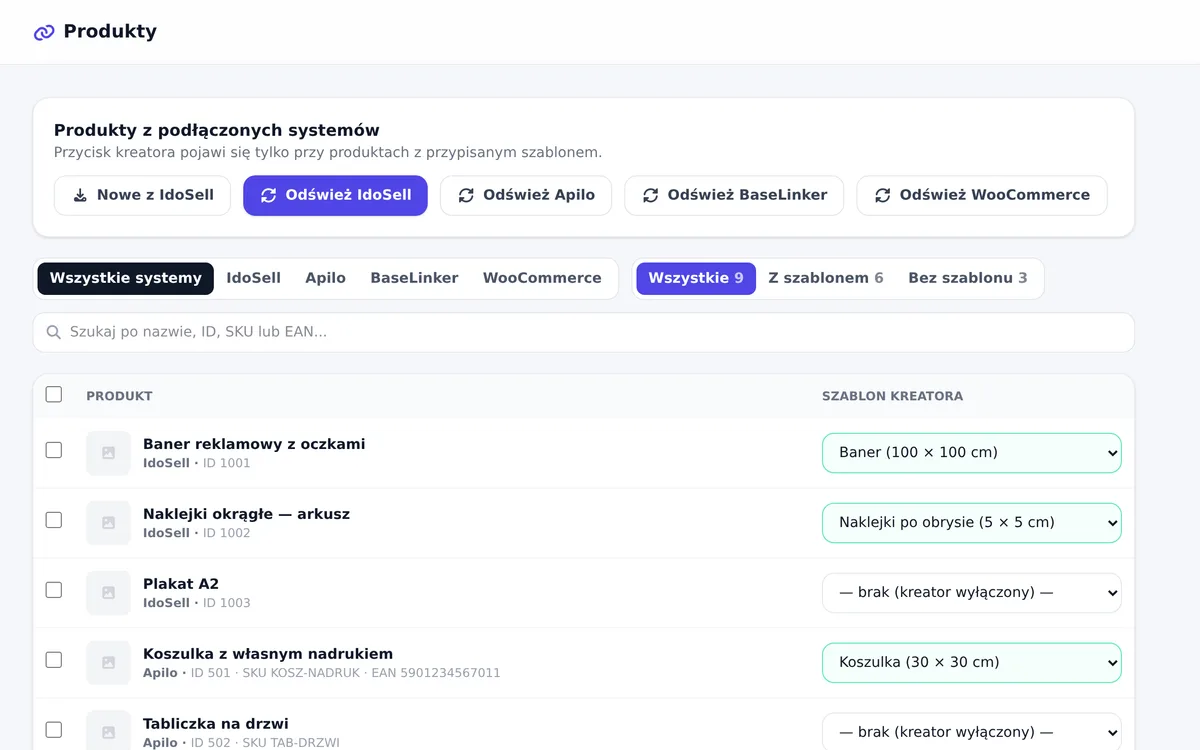
- Import products and assign templates in the Products tab.
If the connection fails, check three things: the address starts with https://, Settings → Permalinks is set to anything other than “Plain”, and the key has Read/Write permissions.
The “Design” button on the product page
- In the Integrations tab, next to WooCommerce, download the plugin (.zip).
- In WordPress: Plugins → Add New → Upload Plugin, install and activate it.
- Under WooCommerce → KreatorPRO check the account domain. If you use the designer on your own domain (white label), enter it as the designer address.
The button only shows on products with a template. For variable products the customer picks options first. The order shows a customer design entry with links to the print file and preview, also in the new order email. WooCommerce stores only the link text; the files stay with us.
Your shop can use a different domain than your designer account. We recognise the account by the shop address entered in Integrations.
Attributes and personalization fields
A size typed by the customer, a size picked from a list and a different photo per colour work the same way as in IdoSell. Instead of a parameter number you point to a field on the product page: a variation attribute such as attribute_pa_size, or a field from a personalization plugin. In the template, use the field picker and the designer opens the product page and lists its fields.
The product must be visible in the shop. WooCommerce “Coming soon” mode blocks reading the fields.
Designer link after purchase
Not every product needs a button. In the Automations tab you can set a rule for orders from the shop, added by hand or via the API: after payment the customer gets an email with a designer link, and once the design is saved the file link goes into a private order note that the customer does not see. The order status can change automatically.
Frequently asked questions
Do I need the plugin for automations?
No. The after-purchase link works with the REST API key alone. The plugin is only needed for the product page button.
Does the plugin work with the block cart?
Yes, with both the classic cart and the block cart. It is also compatible with HPOS (WooCommerce high-performance order storage).
What if a customer makes two different designs for the same product?
Each design is a separate cart line with its own file link in the order.
See also
Try the designer on your own products
30 days free, no card and no automatic payments. Standard costs 249 PLN net per month, Premium 349 PLN. One shop and one order system are included.